Smart office
The office, on its own TVs.
Boards for rooms and visitors, scenes you can replay, announcements on every TV and an office calendar with real invites. Built in, on the TVs you already have: a board is a page on your office's own address, shown like any website.
Real capture: six boards live on SoudCoh's wall, 13 November 2026.
Boards
A board for every room and every reason.
Admins make them in the Library; anyone can show them. They work on one TV, across a wall, in a playlist, and on a tablet by a door.
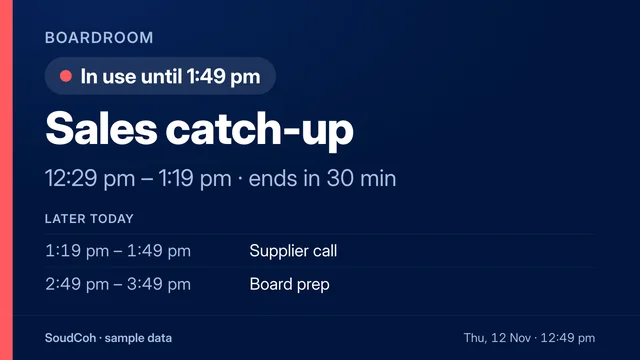
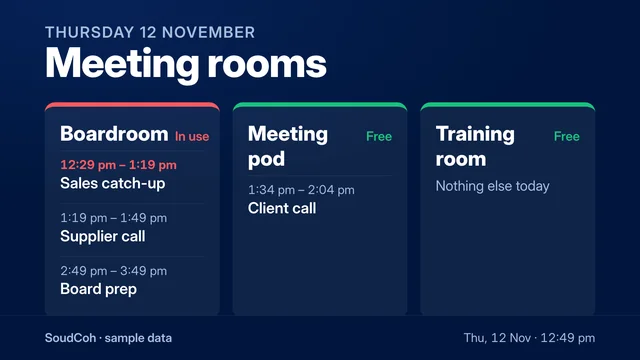
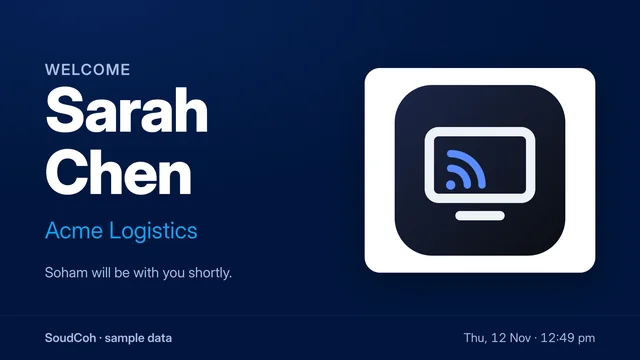
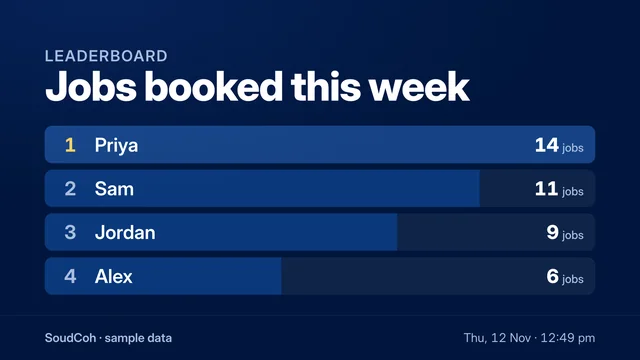

Visitors see their own logo.
Add the visitor's logo or a photo to a welcome board. It's shrunk in the browser and kept in your office's hub, and deleting the board deletes it.
- A board's link shows that board and nothing else of the office. Its id is 24 random characters.
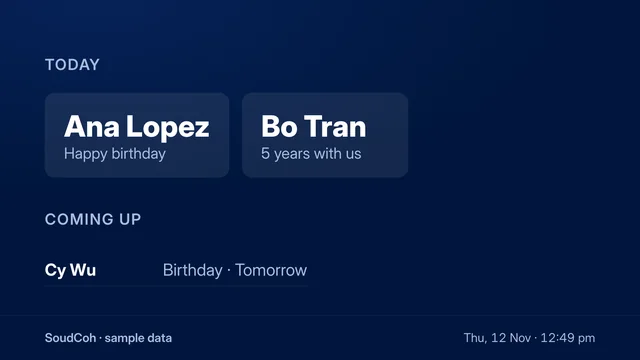
- Birthdays keep no year. People add a day and month, and a start date, if they want to.
- Up to 40 boards an office.
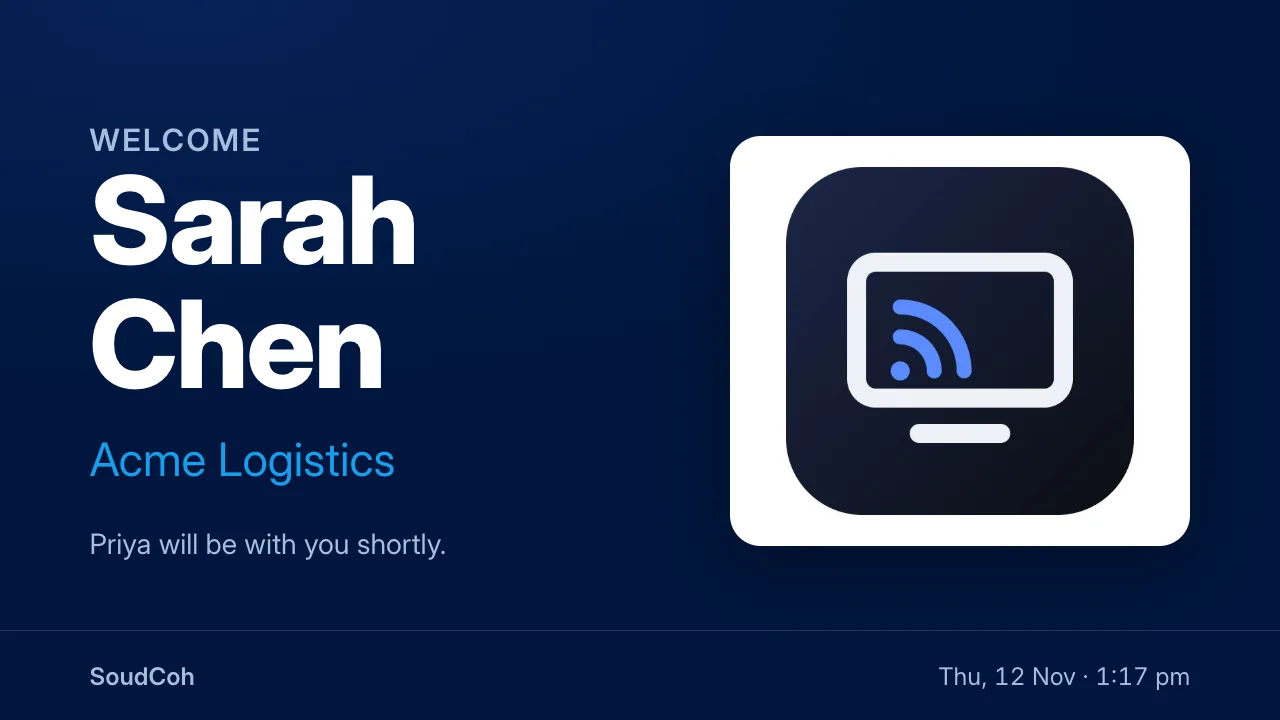
A welcome board with a picture (sample data).
Calendar
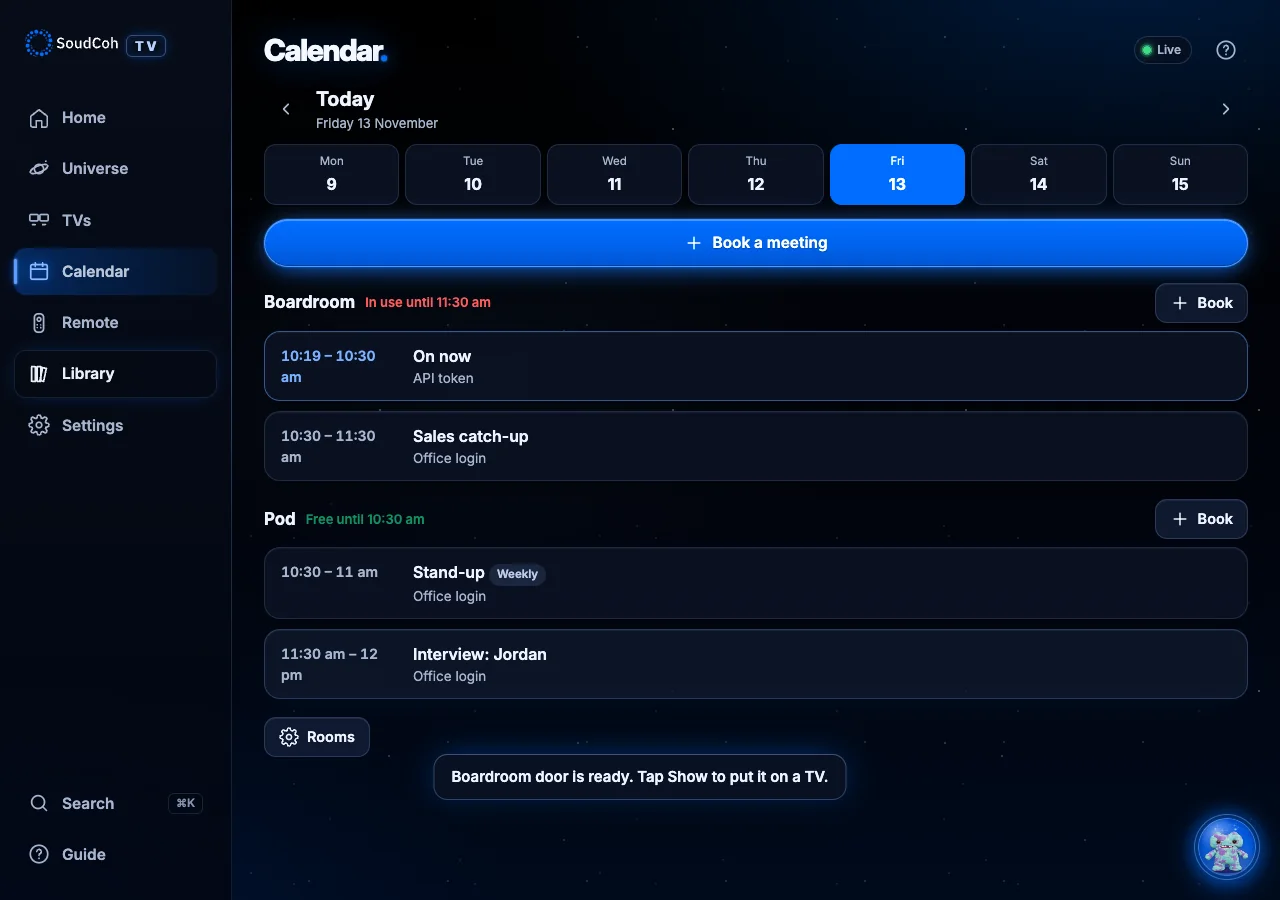
Rooms that never double-book.
The office's own calendar: rooms and the meetings booked in them. People book in the app, the room boards read it, and invites land in everyone's own calendar.
- Clashes
- A room never holds two bookings at once. A clash is refused with the next free time that day, offered with one tap.
- Every week
- Up to 26 more weeks, each checked; nothing is booked unless every week is free. Change one week, or that week and all after.
- Invites
- By email with an invite file: Accept and Decline in Outlook and Gmail. Changes move it in their calendar; a cancellation takes it out.
- Video and guests
- Paste a Teams, Meet or Zoom link, and invite up to 30 guests by email, no login needed.
- On your phone
- A personal calendar link, for your meetings or every meeting, in your phone's own calendar.
Scenes
Save the wall. Play it back.
A scene is the TVs as they are: what each shows, whether it's on, and the apps open on them, kept under a name.
- One tap on Home, or at a set time on the days you choose.
- “Alexa, turn on Client visit” plays it, or Pixel: “client visit”.
- Home Assistant can play a scene, for buttons and sensors.
- Undo: playing a scene can always be put back.
Announce
One message, every TV.
An announcement goes on every TV, one wall or one TV for a few minutes. On the biggest wall it's one picture, so it reads from across the room. Then each TV goes back to what it was showing.
- Alerts show red and switch on TVs that are off; they go off again afterwards.
- A TV someone changed since is left alone.
- Anyone can announce, from the app or by asking Pixel.
Real capture: an alert announcement across the wall during a live test.
TV hours
Every TV switches on and off at set times each day, in your office's time zone. Switch one on after hours and it stays on until the next change.
People, not spreadsheets
Birthdays and start dates come from each person's own profile (asked, optionally, when they join). Disabled people are left out.
The office slideshow
Library uploads and a Google Drive folder in one slideshow, kept on every Pi so it plays with the internet down.
Put every TV in your office to work.
We look at your TVs and network, set up your office at its own address, and go through it with your team on the first call.